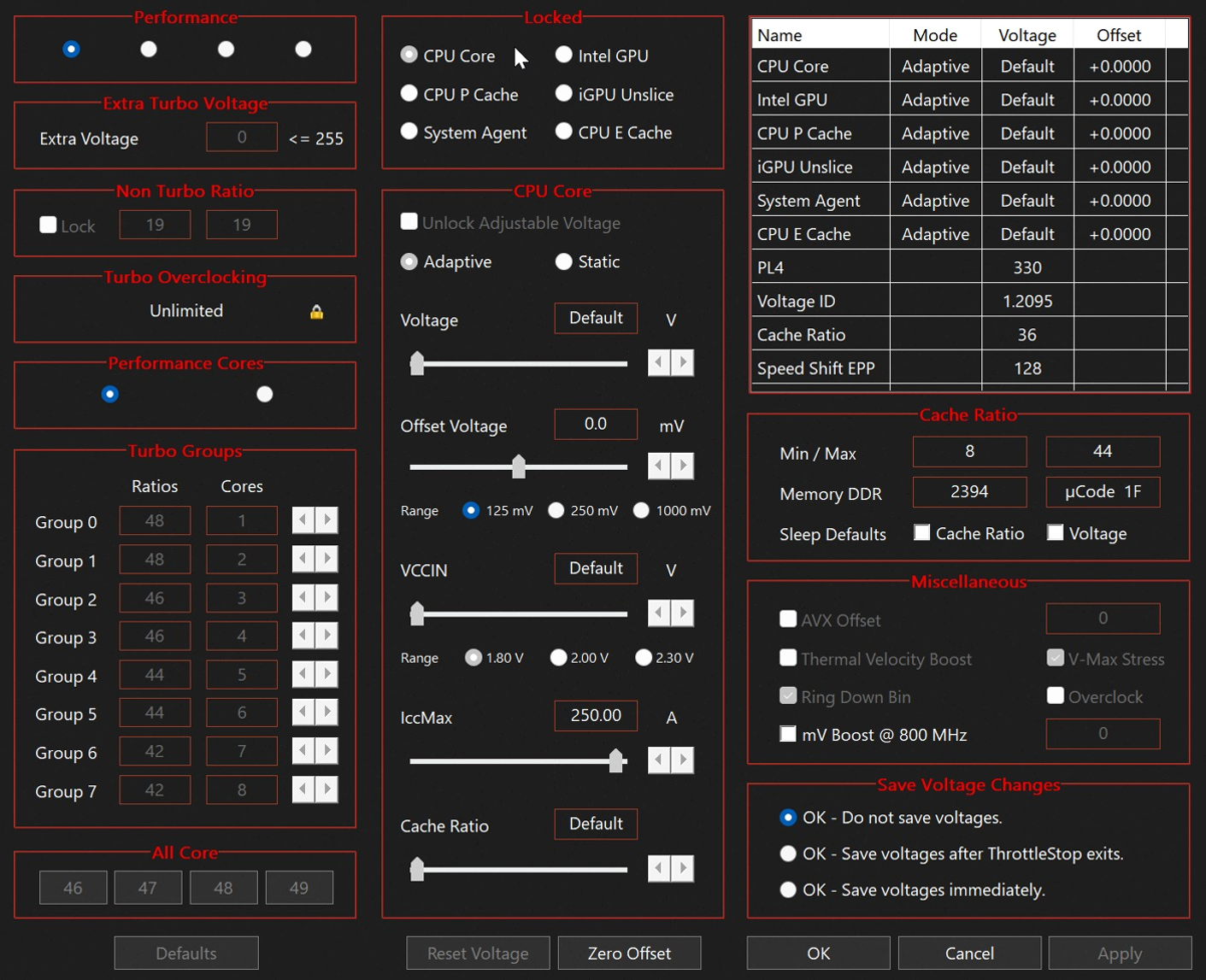
ThrottleStop FIVR Control window - Extra Turbo Voltage, Offset Voltage, turbo groups

Download Throttlestop - a utility to monitor and control your CPU's performance on Windows laptops and desktops.

The software provides control over voltage, clock speed and power limits, helping you prevent or reduce throttling - when the CPU cuts speed to avoid overheating or exceeding OEM power limits.

ThrottleStop download - current files

Download ThrottleStop.exe and the ZIP from this site. The bytes match the TechPowerUp build Kevin Glynn signs. Fake setup.exe installers elsewhere are not the program.

Download ThrottleStop 9.7.3 zip ThrottleStop 9.7 zip

ThrottleStop_9.7.3.zip · 1.7 MB · Win 11 / 10 / 8 / 7 · 32-bit & 64-bit
SHA256: 7B5E1A650A845CDAB200BD6A7766D8F56AE458F633A6F2F3DF5A9EC72847098A

The ThrottleStop window

The left side is the same checklist every ThrottleStop guide talks about: High Performance, Speed Shift EPP, Disable Turbo, SpeedStep, BD PROCHOT, C1E. The right side is the monitoring grid - FID, C0%, clock modulation, per-thread temp. FIVR, TPL, C-states, TS Bench and GPU sit on the bottom row. That is the whole program. There is no setup wizard.
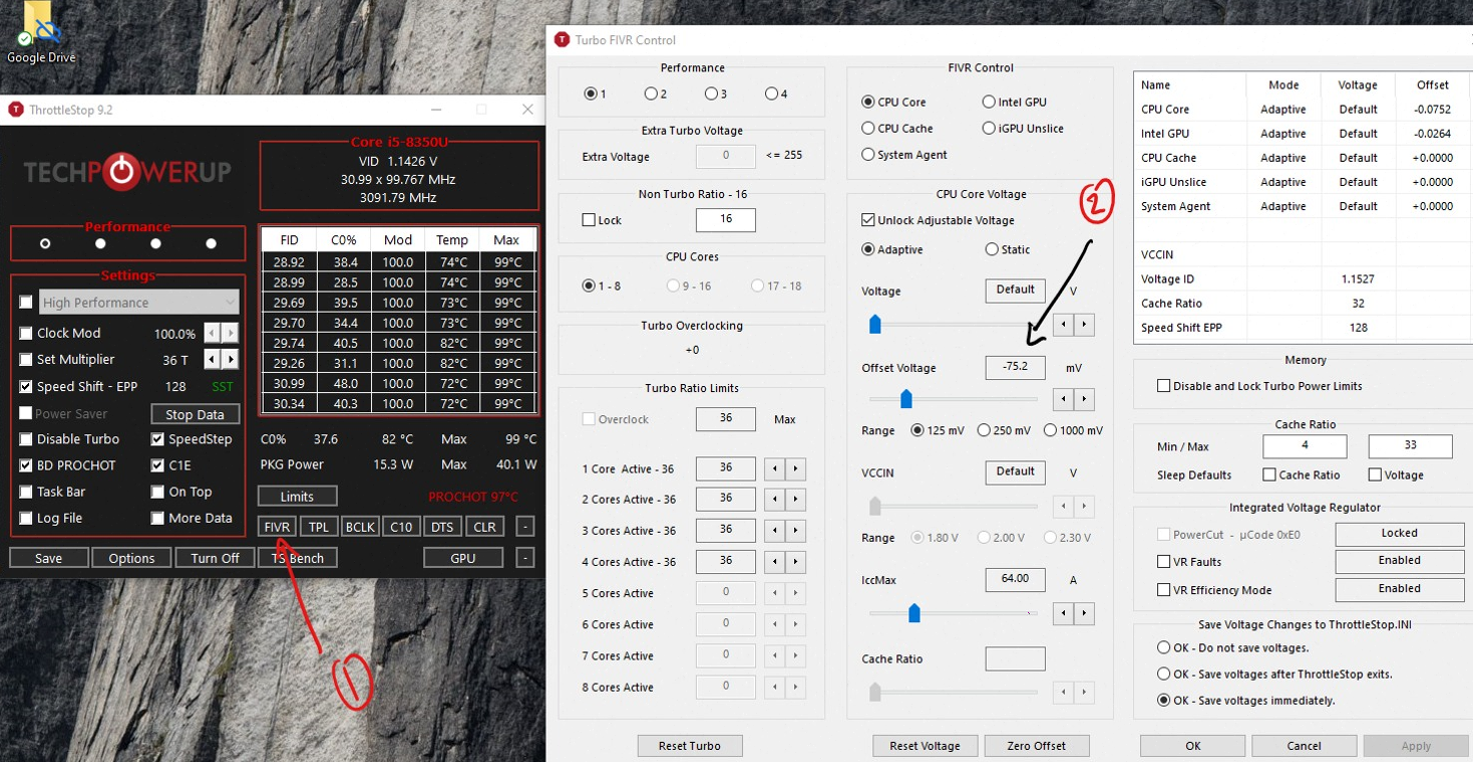
ThrottleStop 9.2 main window and Turbo FIVR Control undervolt of -75.2 mV on Core i5-8350U with TechPowerUp logo
ThrottleStop 9.2 main window plus FIVR - Offset voltage -75.2 mV on CPU Core, TechPowerUp logo on the left.
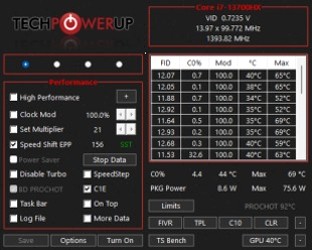
ThrottleStop main interface on Core i7-13700HX with BD PROCHOT disabled and Speed Shift EPP 156
ThrottleStop on an i7-13700HX. BD PROCHOT is clear, Speed Shift EPP is 156 - the layout after a ThrottleStop download on Windows 11.

ThrottleStop in a game

ThrottleStop has no RivaTuner overlay. You leave the window on a second screen, or you Alt-Tab. The useful screenshot is the monitoring panel while a game is actually running: Limit Reasons lighting up, TS Bench or a title in the background, GPU-Z next to it.
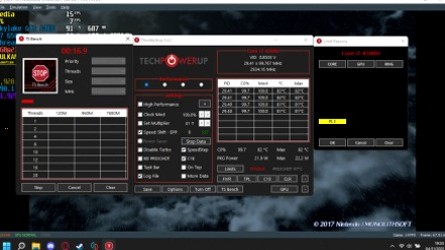
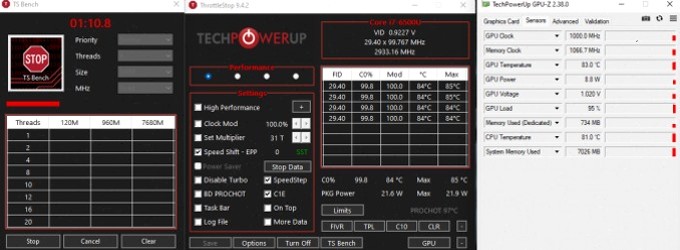
ThrottleStop 9.4.2 and TS Bench sitting on top of The Legend of Zelda Breath of the Wild gameplay
Screenshots ThrottleStop in-game: TS Bench and the main window over Breath of the Wild. Core i7-6700HQ at ~2.9 GHz, 86-87°C package.
TS Bench, ThrottleStop 8.4.2 and TechPowerUp GPU-Z during a load test
TS Bench + ThrottleStop 8.4.2 + GPU-Z. The trio people run next to a game to catch GPU caps and CPU BD PROCHOT.
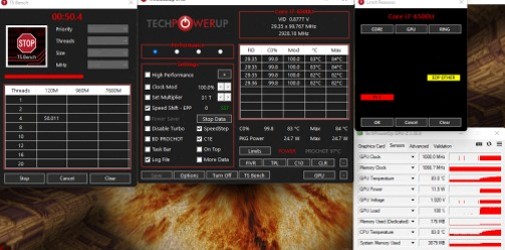
ThrottleStop Limit Reasons showing EDP OTHER during load with GPU-Z and TS Bench
During load, Limit Reasons went red on EDP OTHER while GPU-Z sat at 81°C / 95% GPU load.

What you actually open after the download

People searching download throttlestop usually need one of four windows:

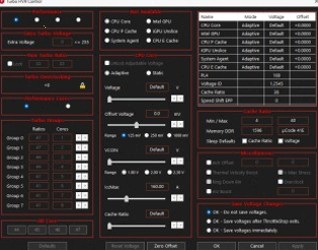
Turbo FIVR Control window in ThrottleStop with Unlock Adjustable Voltage and offset sliders
FIVR Control - Unlock Adjustable Voltage, Adaptive, Offset Voltage.
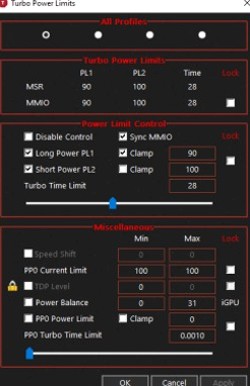
ThrottleStop Turbo Power Limits window with PL1 90 W and PL2 100 W
TPL - Long Power PL1 90 W, Short Power PL2 100 W, Clamp.
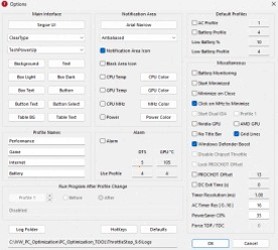
ThrottleStop Options window with AC Profile, Battery Profile and Notification Area icons
Options - AC / Battery profiles, tray icons, PROCHOT Offset.

ThrottleStop AMD, XTU and Afterburner

ThrottleStop is an Intel Core tool. ThrottleStop AMD searches keep rising because the window never enumerates Ryzen - use Ryzen Master, UXTU or Ryzen Controller instead. For the GPU, ThrottleStop is not MSI Afterburner; Afterburner still owns the in-game OSD. Intel XTU talks to many of the same registers. Reset XTU and uninstall it before the first ThrottleStop download, or ThrottleStop will treat the XTU voltages as stock.

ThrottleStop 9.7.3 (2 Apr 2025) is the current beta, with Arrow Lake support. ThrottleStop 9.7 (26 Dec 2024) is the latest stable. Windows 11 works; if the driver will not load, turn off Windows Virtual Machine Platform. See ThrottleStop Windows 11.

ThrottleStop search terms

People search download throttlestop, throttlestop download, throttle stop download, throttlestop.exe, throttlestop zip, throttlestop portable, throttlestop 9.7.3, throttlestop 9.7, techpowerup throttlestop, unclewebb, kevin glynn, throttlestop github, throttlestop windows 11, throttlestop windows 10, throttlestop undervolt, undervolt cpu, how to undervolt cpu, intel undervolt, laptop undervolt, fivr, fivr control, offset voltage, bd prochot, disable bd prochot, thermal throttling, power limit throttling, pl1, pl2, tpl, turbo power limits, speed shift epp, disable turbo, speedstep, c1e, cinebench r23, ts bench, intel xtu, msi afterburner, hwinfo64, hwmonitor, core temp, cpu z, fan control, throttlestop amd, cpu not supported, how to use throttlestop, throttlestop guide, is throttlestop safe, throttlestop virus, arrow lake, raptor lake, alder lake, throttlestop скачать, скачать throttlestop, андервольт, троттлинг, throttlestop indir, descargar throttlestop, baixar throttlestop, throttlestop downloaden.

download throttlestop, throttlestop download, throttle stop download, throttlestop, the throttlestop, throttle stop, throttlestop.exe, throttlestop zip, throttlestop portable, throttlestop 9.7, throttlestop 9.7.3, throttlestop 9.6, throttlestop 9.5, throttlestop 9.4, techpowerup throttlestop, unclewebb, uncle webb, kevin glynn, throttlestop github, throttlestop windows 11, throttlestop windows 10, throttlestop windows 8, throttlestop win11, throttlestop undervolt, undervolt, undervolting, undervolt cpu, how to undervolt cpu, intel undervolt, laptop undervolt, cpu undervolt, undervolt intel, fivr undervolt, offset voltage, cpu core voltage, cpu cache voltage, extra turbo voltage, bd prochot, disable bd prochot, prochot, prochot throttle, thermal throttling, power limit throttling, current limit throttling, clock modulation, throttlestop amd, throttlestop cpu not supported, cpu not supported, how to use throttlestop, throttlestop guide, throttlestop tutorial, throttlestop settings, throttlestop profiles, throttlestop task scheduler, screenshots throttlestop, is throttlestop safe, throttlestop virus, throttlestop malware, speedstep, c1e, c1e throttlestop, disable turbo, speed shift, speed shift epp, epp, cinebench, cinebench r23, cinebench r15, ts bench, intel xtu, xtu, intel extreme tuning utility, msi afterburner, afterburner, hwinfo, hwinfo64, hwmonitor, core temp, cpu z, cpuz, fan control, fivr, fivr control, tpl, turbo power limits, pl1, pl2, turbo time, mmio, lock turbo power limits, intel gpu voltage, igpu, arrow lake, raptor lake, alder lake, comet lake, kaby lake, coffee lake, tiger lake, ice lake, rocket lake, meteor lake, lunar lake, hx processor, gaming laptop, laptop overheating, cpu throttling, intel turbo boost, thermal velocity boost, battery power limit, throttlestop скачать, скачать throttlestop, throttle stop скачать, андервольт, андервольтинг, троттлинг, отключить троттлинг, throttlestop indir, throttle stop indir, descargar throttlestop, baixar throttlestop, throttlestop downloaden, undervolten, winring0, throttlestop driver, start throttlestop with windows, virtualization windows 11, core isolation, memory integrity, legion throttlestop, predator throttlestop, asus tuf throttlestop, rog throttlestop, msi laptop throttlestop, hp omen throttlestop, dell g15 throttlestop, alienware throttlestop, thinkpad throttlestop, surface throttlestop

Bypassing OEM throttling can overheat a thin laptop or overdraw a weak charger. Monitor wall power if you raise PL1/PL2. Read is ThrottleStop safe before you clear BD PROCHOT.