 Throttlestop
ThrottleStop / bd-prochot
BD PROCHOT
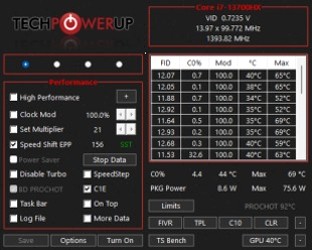
BD PROCHOT is bidirectional processor hot. PROCHOT is the CPU's own emergency brake at the thermal spec (often 100°C). BD PROCHOT lets another part of the board - usually the GPU or a VRM sensor - pull that same brake even when the CPU package is sitting at 60°C.
When people clear the box
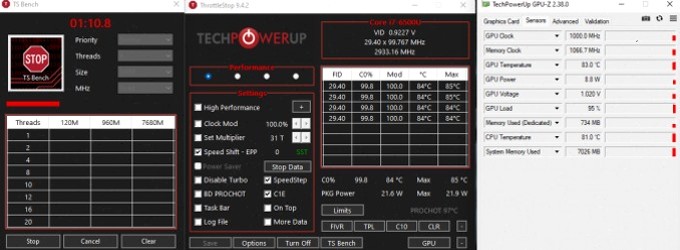
A lot of 2016-2019 notebooks throttle the CPU because a cheap GPU thermal target (sometimes 68-73°C) asserts BD PROCHOT. Clocks fall off a cliff, Limit Reasons may not even look "thermal" on the CPU side. Clearing BD PROCHOT in ThrottleStop is the classic fix. It is also the setting that can let a dying fan cook the GPU while the CPU happily stays at 4 GHz.
Only clear BD PROCHOT if you can see GPU temperature (GPU-Z or the NVIDIA/AMD box in Options) and you understand the cooler. ThrottleStop 9.7 now locks BD PROCHOT when it is disabled so a sleep/resume cycle does not restore OEM behaviour without you noticing.
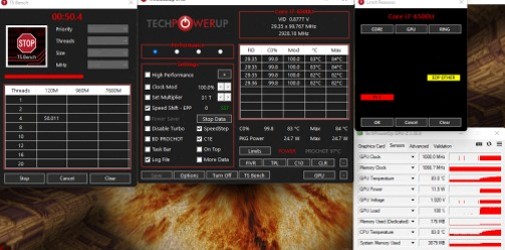
PROCHOT Offset on the Options window (and per profile in 9.7) moves the CPU's own thermal throttle point. Asus sometimes ships an offset of 8, so a 100°C chip starts thermal throttling at 92°C. Lowering offset toward 0 recovers spec, if the field is not locked.