 Throttlestop
ThrottleStop / undervolt
ThrottleStop undervolt
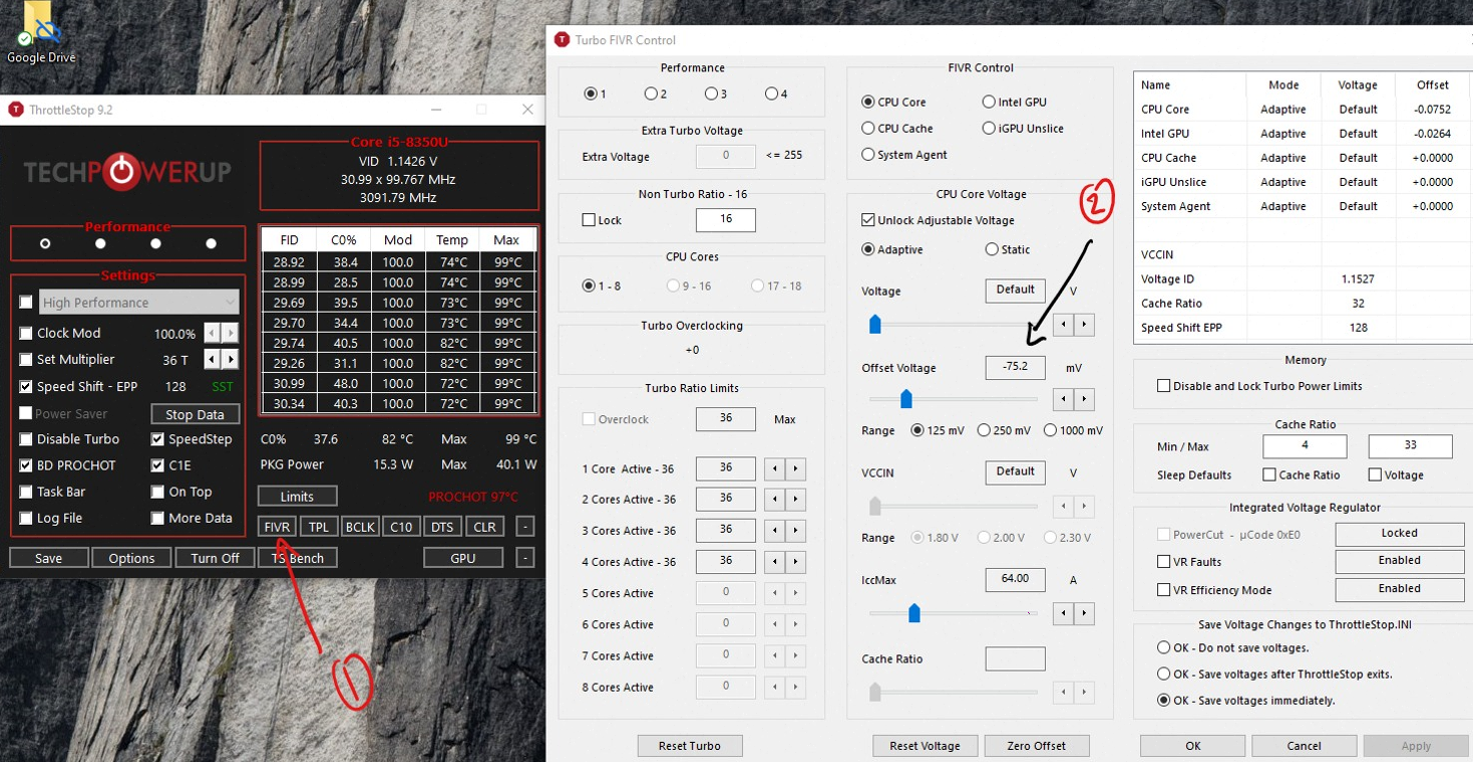
ThrottleStop undervolt lives in FIVR (Fully Integrated Voltage Regulator). You do not type a secret voltage on the main screen. You click FIVR, tick Unlock Adjustable Voltage, keep Adaptive selected, and move Offset Voltage negative on CPU Core and CPU Cache by the same amount.
How to undervolt CPU in ThrottleStop
- Download ThrottleStop, extract, run as administrator.
- Save a stock TS Bench or Cinebench R23 number first.
- FIVR → CPU Core → Unlock Adjustable Voltage → Adaptive → Offset Voltage -50 mV.
- CPU Cache → same -50 mV. Apply. If it does not freeze, OK - Save voltages immediately.
- TS Bench or Cinebench. If it blue-screens, boot and reduce the undervolt by 10-15 mV.
- Walk it down (-80, -100, -125) only after a night of mixed idle + game + undervolt cpu stress.
Intel GPU offset used to be a casual -50 mV. On a lot of 8th-gen and newer laptops it is more trouble than it is worth. Leave iGPU at 0 if you are not sure.
FIVR Locked / Not Available
If the FIVR window says Not Available or FIVR Control - Locked, that is not a broken ThrottleStop download. Intel removed undervolt from most H-series chips after Plundervolt. Unlocked K and many HX parts still move. H, U, P, and almost every 12th-gen-and-newer thin laptop will not. You still have TPL, Speed Shift, turbo ratio limits and BD PROCHOT.
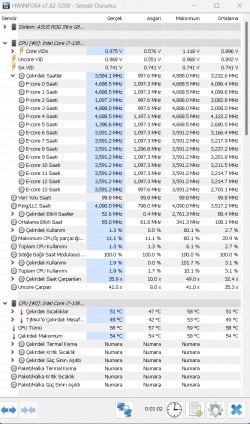
Undervolting lowers heat so the chip can hold FID longer. It is not overclocking. Worst case of too much ThrottleStop undervolt is a freeze, not a fried CPU. Still: Save voltages immediately so a crash does not make you re-enter sliders.