 Throttlestop
ThrottleStop / is-throttlestop-safe
Is ThrottleStop safe?
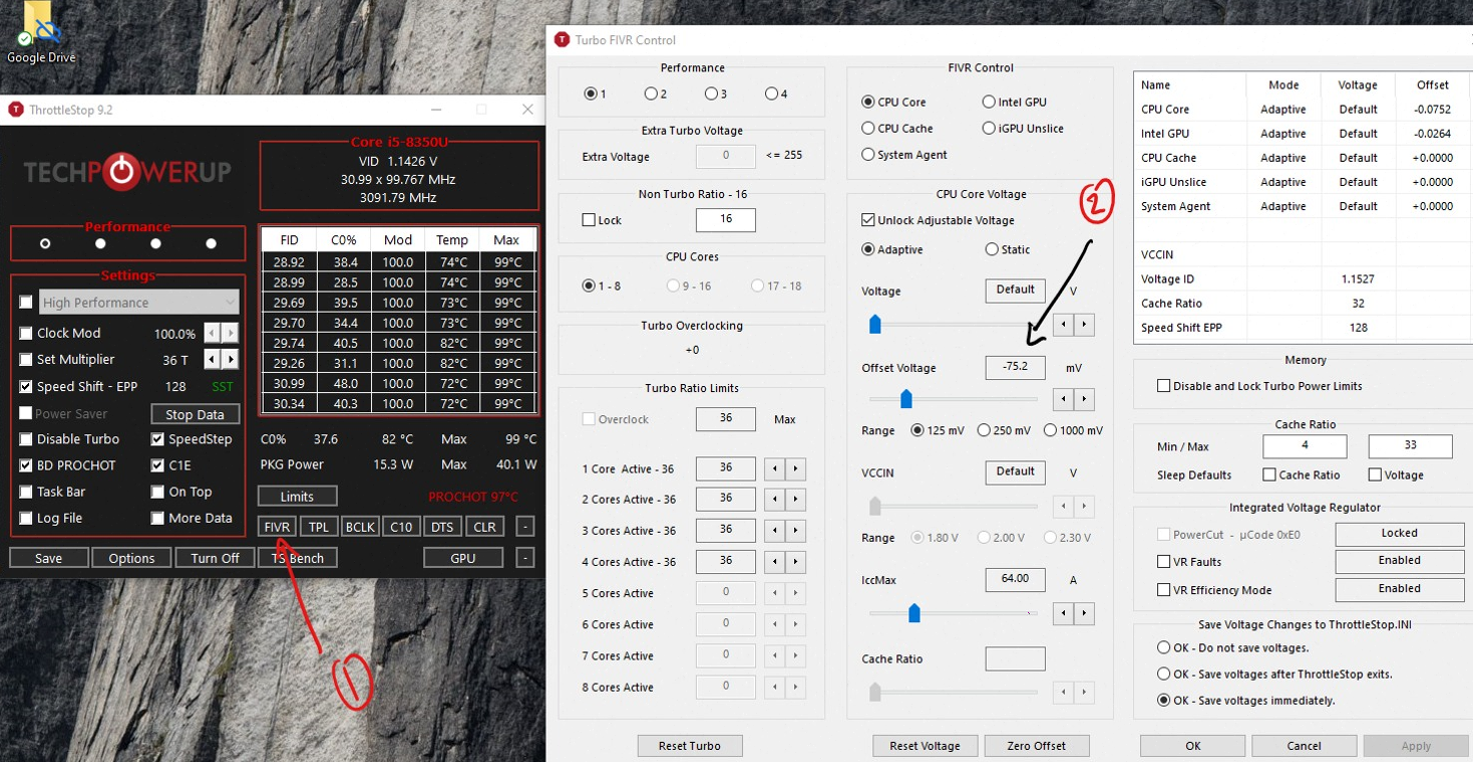
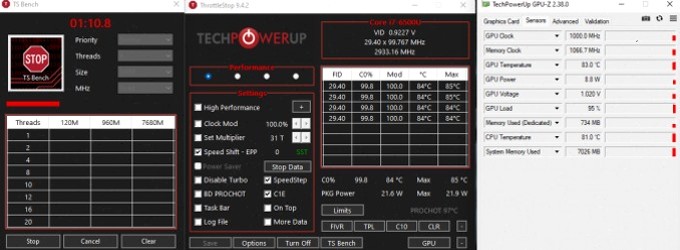
The program from TechPowerUp is signed freeware. Is ThrottleStop safe as a download? Yes, if the SHA256 matches. Is every checkbox safe? No. Clearing BD PROCHOT and unlocking PL2 on a 90 W brick is how people melt chargers. A -50 mV ThrottleStop undervolt is the boring, usual answer.
What is actually risky
- Fake ThrottleStop.exe from random "free download" sites. Use TechPowerUp.
- Raising PL1/PL2 past what the adapter and VRM were built for.
- Clearing BD PROCHOT on a laptop with a dying fan.
- Overvolting Extra Voltage / static voltage. ThrottleStop can do it. Don't.
Kevin Glynn's own disclaimer is still on the first click: bypassing OEM throttling can damage the adapter or the board and may not be covered by warranty. That is the honest is-ThrottleStop-safe paragraph.
Antivirus sometimes flags the driver. The EXE is signed by TechPowerUp so it looks like legitimate software. If Defender ASR blocks ThrottleStop.sys on a work laptop, that is policy, not malware. There is no unofficial "fixed driver" you should install instead.
To undo everything: set offsets to 0, restore TPL, tick BD PROCHOT back on, Save, exit, delete ThrottleStop.ini, full shutdown. The CPU returns to whatever the BIOS wanted.